Java Forum Stuttgart 2019: "When Using the Application Generator Jhipster Is Worth It - and When Not"
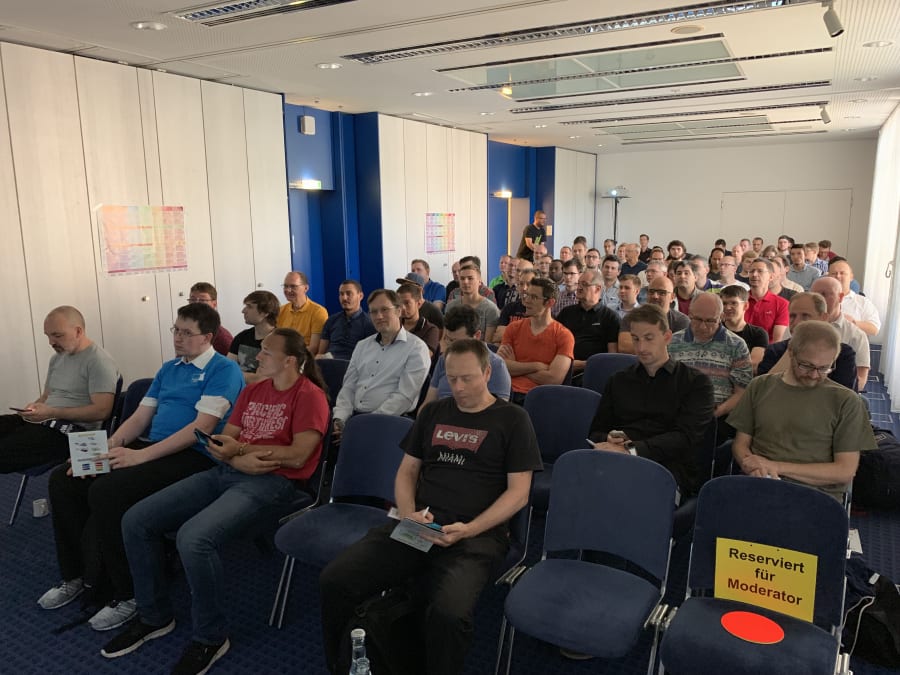
Venue
I gave my German talk “When using the application generator JHipster is worth it — and when not” as part of the “Innovation and New Technologies” track of the “Java Forum Stuttgart 2019” conference. It is the biggest Java conference in the south-west of Germany with seven parallel tracks.
This year, the conference was on July 4. My presentation was first thing in the morning at 8:45.
Feedback
Although I had to rush through about ten slides in one minute at the end, participants still voted my talk number 5 out of 47!
Slides
The slides are available in two formats:
Demo Application
I generated a project with JHipster live during the presentation. It is a simple online shop with just a few entities.
Online Demo
The application was deployed as a Docker Compose File on Azure. Because I have to pay for hosting, I took down the application a couple of days after the talk. However, you can always clone the Git project and run it yourself - see the next section.
Demo Source Code
The source code is a public repository on Gitlab: https://gitlab.com/better-projects-faster/talks-java-forum-stuttgart-2019
- If you want to run it on your computer, you need Java 8 or 11 and Node.js. Please see the second installment of my “Better Java Projects Faster with JHipster and Docker” tutorial for help on installing this.
- Once that’s covered, run
gradlew.bat(Windows) or./gradlew(macOS) to start the application. If everything works well, then you see the following output in your command prompt/terminal:
----------------------------------------------------------
        Application 'my_simple_shop' is running! Access URLs:
        Local:          http://localhost:8080/
        External:       http://[your IP address]:8080/
        Profile(s):     [dev, swagger]
----------------------------------------------------------
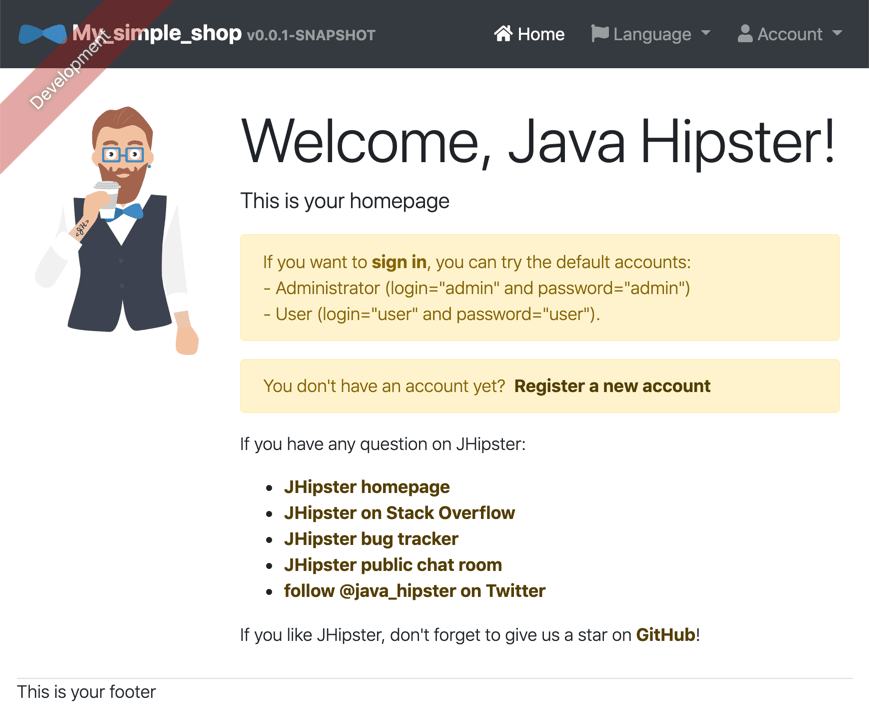
- Now open http://127.0.0.1:8080 in your browser to access the application. It should look like this:
- Log in as either
admin / adminoruser / user. - Enjoy!
Mailing List
If you want to learn more about JHipster and Docker, then please sign up for my mailing list now! You’ll get access to my free JHipster & Docker tutorial and receive tips, tricks, and news around JHipster and Docker.
Developer job ads down 32% year over year, Stack Overflow questions dropped 55% since ChatGPT. I now recommend IntelliJ Community Edition because many AI code assistants don't run in Eclipse. Job ads for Quarkus hit an all-time high.
See All Issues & Subscribe